Carry the meaning behind your work into your recipient’s AI.

BRIEFCAPSULE FOR FOUNDERS
Send the vision, priorities and assumptions behind your pitch to the AI your recipient uses.
Your document. Its meaning. Their AI.
Have you ever had to explain something you’d already sent?
Your proposal.
The meaning beside it.
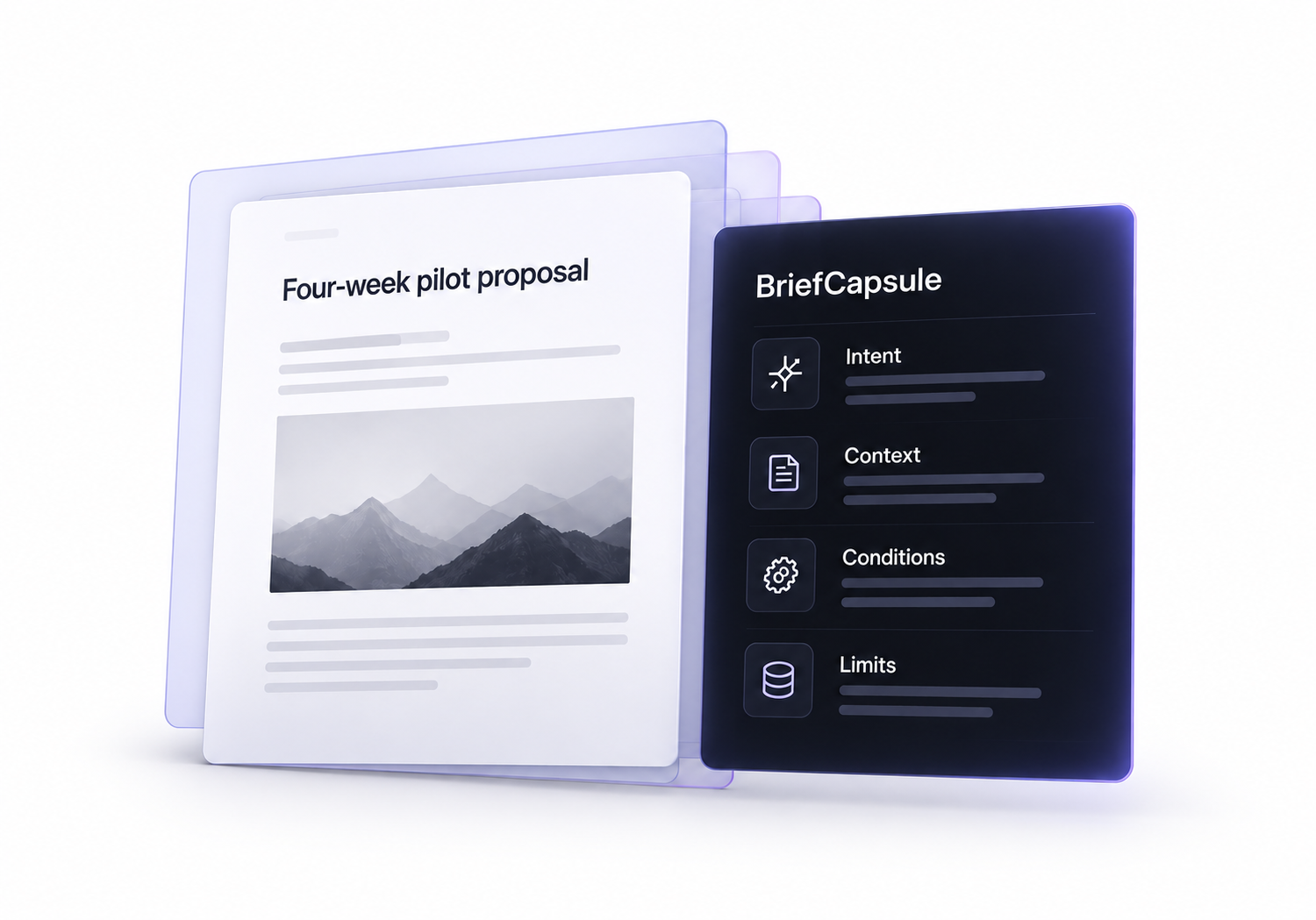
Use a Capsule alongside a PDF, pitch deck or proposal.
A Capsule carries what matters, so the recipient gets the full picture.
Intent
Your goal and what a good outcome looks like.
Context
Key background, references and constraints.
Conditions
What needs to be in place before moving forward.
Limits
Clear boundaries on what’s not permitted.
Prepare it. Review it. Send it.
Create, review and deliver Capsules without losing their meaning.
Home selected
Keep the next idea moving.
Create, review and deliver Capsules without losing their meaning.
Your next Capsule starts here.
Prepare your text, review the validated candidate, then save your Capsule.
Recent Capsules
- Investor pitch briefFounders
- 90-day growth roadmapConsultants
- Website redesign proposalFreelancers
- Autumn campaign conceptCreative teams
- Annual software offerSales teams
- Customer interview findingsResearchers
- Text
- Generate
- Validate
- Review & save
One Capsule. Six destinations.
Share your saved Capsule with the AI your recipient uses. Each destination gets a separate file and a clear opening message.
Choose your AI
Six destinations
YOUR WORDS. YOUR CONTEXT.
One Capsule.
Many languages.
Start with your language.
Different words. The same need for clarity.Keep your intent, facts and boundaries together in one Capsule.
See what stays intact.
The same meaning, wherever it’s received.
- Requested decision
- Approve a four-week pilot.
- Condition
- Start only after written approval.
- Limits
- No payment or production deployment is authorised.
Common questions
Does it replace my proposal?
No. A Capsule sits alongside your PDF, pitch deck or proposal.
Which AI can the recipient use?
ChatGPT, Gemini, Claude, Grok, Copilot or Other. The recipient chooses.
Can the Capsule stand on its own?
Yes. Include the key context, conditions and limits so it can be understood without your original proposal.